
I once waited for what felt like forever for my computer to load. That moment made me look into solid state drives, like NVMe storage. The choice between DRAM and DRAMless models is key to a smooth computing experience.
Choosing the right NVMe express storage is more than just looking at specs. It’s about seeing how these devices perform in real life. My research showed that DRAM can greatly affect your workflow’s speed.
In this dive into dram vs dramless nvme technology, I’ll explain the differences in solid state drives. I aim to help you pick the best option for your needs. Whether you’re a casual user, creative pro, or gamer, I’ve got you covered.
Key Takeaways
- NVMe SSDs with DRAM typically offer more stable performance
- DRAMless SSDs can be cost-effective for basic computing tasks
- Storage capacity impacts overall SSD performance
- Professional workloads benefit more from DRAM-equipped SSDs
- Consider your specific workflow when selecting an SSD
Understanding NVMe SSDs and Their Performance
NVMe has changed the game in storage technology. It’s a big leap forward in how we handle data. As someone who loves tech, I’ve seen how NVMe has made SSDs faster and more efficient.
NVMe stands for Nonvolatile Memory Express. It’s a big step up from old storage solutions. It uses the PCIe bus for super-fast data transfer.
The Basics of NVMe Technology
Here’s why NVMe is important for your storage:
- Dramatically faster data transfer speeds
- Less latency than older interfaces
- Talks directly to system hardware
- Best for solid-state drive performance
Performance Advantages of NVMe
NVMe SSDs offer amazing performance. They use PCIe lanes for:
- Sequential read speeds up to 3,500 MB/s
- Sequential write speeds of 3,000 MB/s
- Random read performance of 500K IOPS
- Random write performance around 480K IOPS
NVMe is a game-changer for all users. It’s perfect for heavy workloads and high-performance computing.
The Importance of DRAM in SSDs
DRAM in SSDs is key for storage performance. I’ll explain how this small memory part boosts your data speed and computing experience.
DRAM acts as a fast cache for SSD controllers. It’s like a quick translator between your computer and storage. It helps your SSD find and get data super fast.
What Exactly is DRAM in SSDs?
In solid-state drives, DRAM is a mapping table manager. It keeps track of where data is on NAND flash memory. This makes data retrieval fast and efficient. The benefits are big:
- Reduces data access latency by up to 100 times compared to NAND flash
- Provides faster random read/write performance
- Maintains consistent storage performance under heavy workloads
Benefits of DRAM-Equipped SSDs
DRAM SSDs are great for top performance. They shine in tasks needing quick data access, like:
- Gaming with rapid asset loading
- Professional video editing
- Complex computational tasks
- Operating system boot times
While DRAM SSDs cost $15-$35 more, the performance gain is huge. It’s worth it for pros and enthusiasts needing fast, reliable storage.
DRAMless NVMe SSDs: What You Need to Know
Exploring storage technology can be tricky, with many options like NVMe controllers. DRAMless NVMe SSDs are a unique choice for those watching their budget. They offer benefits that traditional SSDs don’t.
DRAMless SSDs are a budget-friendly option that doesn’t have the extra DRAM cache of standard SSDs. They use different ways to handle data, like storing it on NAND flash memory. Or, they use the host system’s memory with Host Memory Buffer (HMB) technology.
Understanding DRAMless NVMe Architecture
Here are the main points about DRAMless NVMe SSDs:
- They cost less to make
- They use less power
- They might be a bit slower than SSDs with DRAM
- They’re great for simple tasks
Pros and Cons of DRAMless SSDs
It’s important to think about these key points when looking at DRAMless NVMe SSDs:
- Price Advantage: They’re $15-$35 cheaper than SSDs with DRAM
- Performance: They can read and write at speeds of about 550/500 MB per second
- Warranty: Most come with a 3-year warranty
- Power Efficiency: They use less power than regular SSDs
Phison’s new controllers, like the E21T and E27T, show big steps forward in DRAMless NVMe tech. These advancements make DRAMless SSDs a solid choice for those looking for affordable, dependable storage.
DRAMless SSDs prove that cutting-edge storage doesn’t always require the highest price tag.
Key Differences Between DRAM and DRAMless SSDs
Exploring solid-state drives can be tricky. Choosing between DRAM and DRAMless SSDs affects your system’s speed and performance. Let’s look at the main differences that affect your work.
When we compare SSDs, some key points stand out. DRAM SSDs are top-notch in high-performance tasks, giving big benefits in certain situations.
Performance Benchmarks
Performance tests show big differences between DRAM and DRAMless SSDs:
- DRAM SSDs are about 100 times faster than NAND flash memory
- They outperform in random read/write tasks
- Prices vary from $15 to $35 between the two
Ideal Use Cases
Choosing the right SSD depends on your needs:
- DRAM SSDs are best for:
- Gaming
- Content creation
- Database management
- DRAMless SSDs are good for:
- Basic office work
- Light computing tasks
- For those watching their budget
Knowing these differences helps you pick the right storage. Your work, budget, and needs will decide between DRAM and DRAMless NVMe SSDs.
How DRAM Affects Overall System Performance
Understanding DRAM’s role in solid-state drives can change how you see storage performance. The presence or lack of DRAM greatly affects how your system handles complex tasks.
The internal memory of an SSD is key to its efficiency. Without DRAM, drives have trouble managing data fast and well. This can slow down your system’s performance.
Impact on Read/Write Speeds
DRAM is vital for managing data transfer speeds. SSDs with DRAM show better performance:
- They handle sequential read and write operations faster.
- They have less latency when accessing files.
- They perform consistently under heavy workloads.
Effects on Multitasking and Workloads
DRAM-equipped SSDs make multitasking smoother. The internal cache helps with:
- Handling multiple tasks at once better.
- Less system lag during complex tasks.
- Better response in resource-heavy apps.
| SSD Type | Multitasking Performance | Power Efficiency |
|---|---|---|
| DRAM SSD | High | Moderate |
| DRAMless SSD | Low | High |
While DRAMless SSDs use less power, they face challenges with complex tasks. Choosing between energy efficiency and performance is key when picking storage solutions.
Factors Influencing SSD Performance
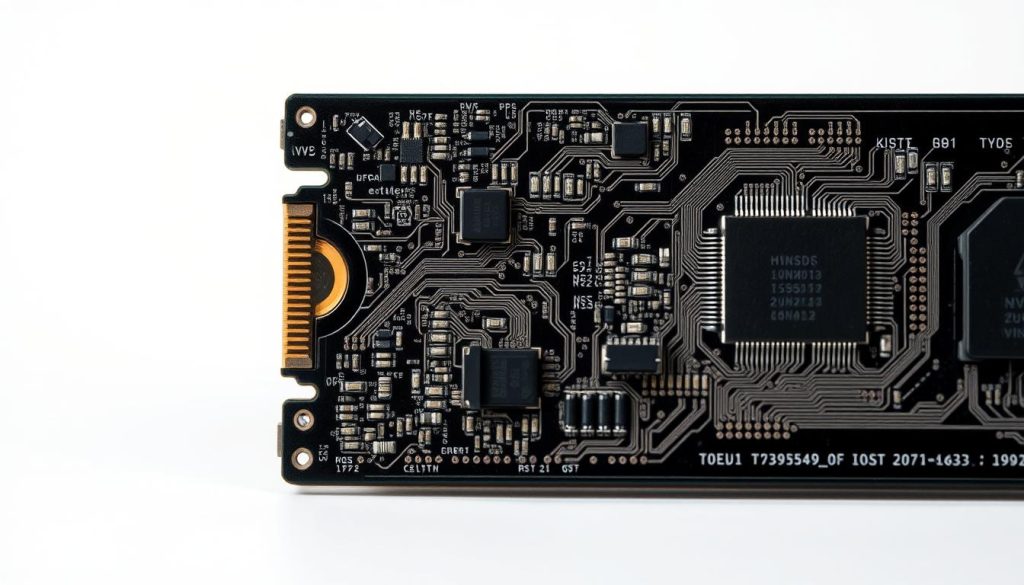
Exploring solid-state drives, it’s key to know what makes them fast. The NVMe controller and flash memory are key. They decide how well your SSD works under different tasks.
NVMe Controller: The Brain of Your SSD
The NVMe controller is like the brain of your SSD. It controls data flow between the flash memory and your computer. Not all controllers are the same. Some can greatly improve or hinder your drive’s speed.
- Top controller brands include Phison, Silicon Motion, and InnoGrit
- Performance varies based on controller efficiency
- High-quality controllers make your drive more responsive
Flash Memory Types and Their Impact
The type of flash memory in your SSD affects its speed, durability, and price. Each NAND type has its own strengths:
| NAND Type | Performance | Cost | Endurance |
|---|---|---|---|
| SLC (Single-Level Cell) | Highest | Most Expensive | Longest |
| MLC (Multi-Level Cell) | High | Expensive | Very Good |
| TLC (Triple-Level Cell) | Good | Affordable | Moderate |
| QLC (Quad-Level Cell) | Lower | Cheapest | Limited |
Knowing about these parts helps you choose the right SSD. It ensures you get the speed and value you need.
Choosing the Right SSD for Your Needs
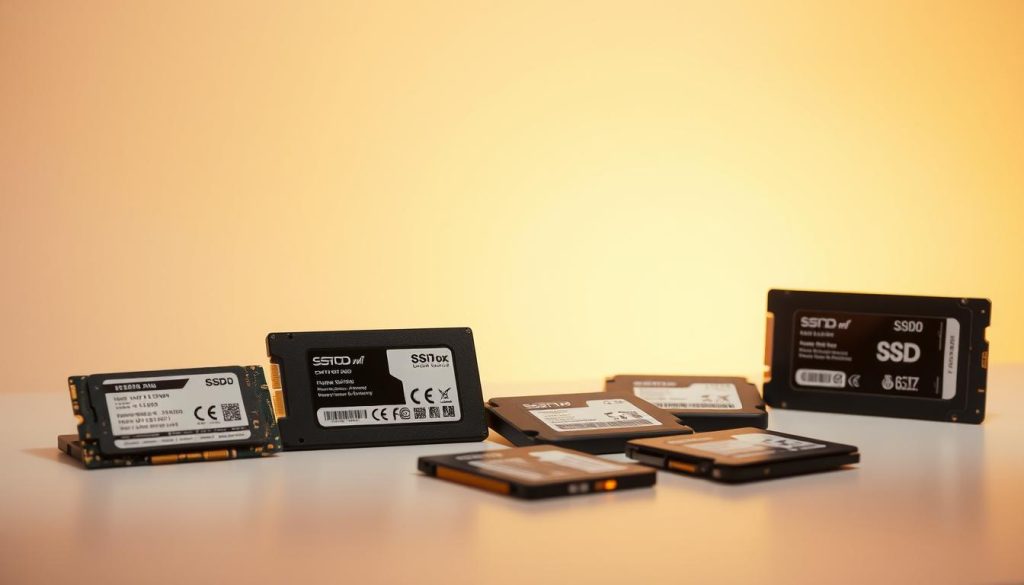
Choosing the right SSD is all about knowing your workflow and budget. Storage technology has changed a lot, making it harder to compare SSDs. Your perfect drive depends on how you use your computer and what speed you need.
- Workflow intensity and complexity
- Budget constraints
- Specific performance requirements
- Long-term usage expectations
Assessing Your Workflow Requirements
Different SSDs meet different needs. For high-performance tasks like video editing, gaming, or professional content creation, a DRAM SSD is best. If you just need basic computing, a DRAM-less SSD might be enough.
Budget Considerations
Cost is key when picking an SSD. DRAM SSDs are pricey but super fast. DRAM-less SSDs are cheaper and good for everyday use.
- DRAM SSDs: Higher cost, better performance
- DRAM-less SSDs: Lower cost, suitable for basic tasks
Knowing your needs and budget helps you choose the right SSD. It’s all about finding the best balance between speed and price.
Real-World Performance Benchmarks
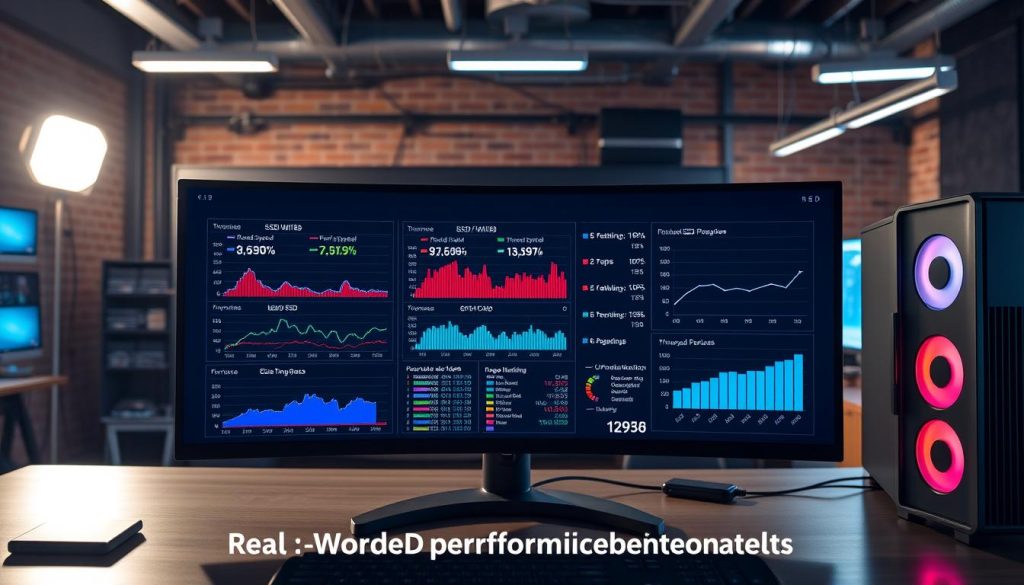
Storage performance can vary a lot between DRAM and DRAMless NVMe SSDs. To understand these differences, we need to look at real-world tests. These tests show us what these storage devices can really do.
I’ve looked at many benchmark tests to share insights on SSD performance in daily life. The PCMark 8 Storage test suite gives a detailed view of how SSDs perform in different situations:
- Adobe Creative Suite workloads
- Microsoft Office applications
- Popular gaming environments
Comparing DRAM vs. DRAMless in Everyday Use
Interesting patterns showed up in SSD comparison tests. For example, the Samsung 980 DRAMless SSD did very well. It scored the second-highest in PCMark 8 testing. This challenges old ideas about buffer-less drives.
Gaming and Creative Workloads Analysis
For gamers and creative people, how fast storage is is very important. File transfer tests involving 15GB of mixed media showed some interesting differences:
- DRAMless SSDs had only a small drop in performance.
- There were small changes in read/write speeds.
- They performed consistently in different tasks.
So, what’s the takeaway? Don’t just look at theoretical speeds. Real-world tests give us the best idea of an SSD’s true performance.
Troubleshooting Common SSD Issues
Keeping your solid state drive in good shape means knowing about common problems. It also means taking steps to prevent them. Even with the latest technology, SSDs can face issues that need your attention.
To keep your storage technology running smoothly, watch for early signs of trouble. I’ll show you how to spot these signs and how to keep your SSD working well for a long time.
Symptoms of a Failing SSD
Look out for these important signs that your SSD might be failing:
- Unexpected system crashes
- Significant performance slowdowns
- Frequent read/write errors
- Unusual system freezing
- Disappearing files or corrupted data
Maintenance Tips for Longevity
Here are key steps to protect your SSD:
- Update firmware regularly
- Monitor drive health through diagnostic tools
- Avoid extreme temperature environments
- Maintain adequate free storage space
- Use manufacturer-recommended optimization software
Modern SSDs are very reliable. With the right care, you can make your drive last longer. Knowing what your device needs helps keep it running well and safe from data loss.
Pro Tip: Regular monitoring and timely firmware updates are your best defense against unexpected SSD failures.
By following these tips, you’ll keep your SSD running smoothly. This will also help protect your important data.
Future Trends in SSD Technology
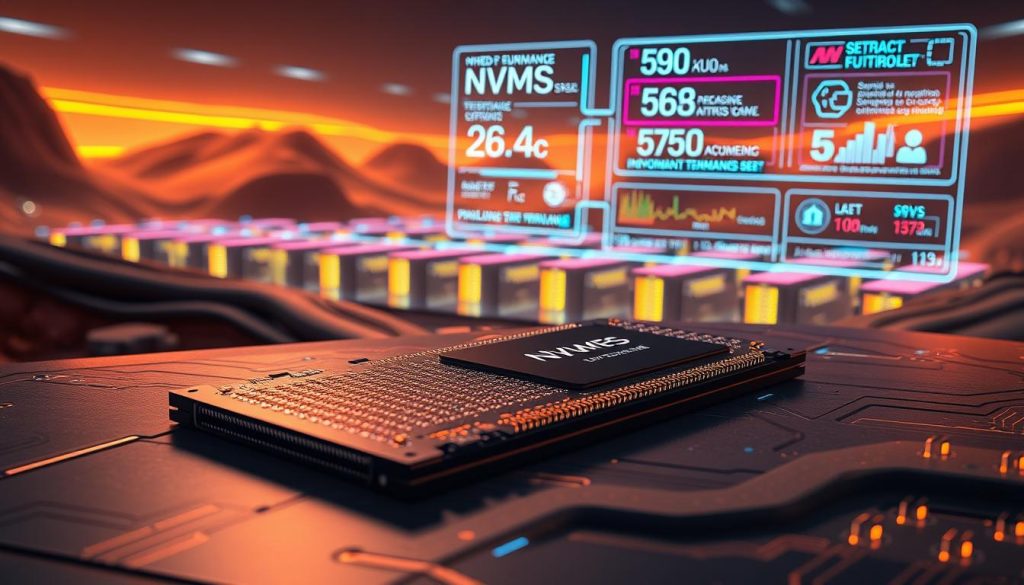
The world of storage technology is changing fast, with NVMe express at the forefront. It’s bringing new ways to store and access data. We’re seeing big changes in how we store and use information.
The future of storage looks bright. NVMe express is changing how we store data with amazing new features:
- Unprecedented parallel processing capabilities
- Dramatic improvements in data transfer speeds
- Enhanced performance for complex computing environments
Innovations in NVMe Storage
New developments in NVMe technology are very promising. The International Data Corporation says NVMe was made to speed up data transfer. It can handle up to 65,000 queues with thousands of commands per queue.
“NVMe is not just a storage solution; it’s a performance revolution.” – Storage Technology Expert
Predictions for DRAM Technology
The future of DRAM in storage technology is exciting. Emerging trends suggest a shift towards more efficient, compact memory solutions. Samsung’s CXL SSD is a great example, showing huge performance boosts, up to 1,900% in random read performance.
The global solid-state drive market is expected to grow a lot. It’s going from US$45.6 million in 2023 to US$124.3 million by 2030. This shows the huge growth and innovation in storage technology.
Conclusion: Making Informed SSD Choices

Choosing the right NVMe SSD can be tough with over 1000 models out there. My research on dram vs dramless nvme has given me key insights. These insights help me make the best storage choice.
Choosing the perfect SSD is more than just looking at specs. It’s about finding the right fit for your workflow and budget.
Key Takeaways for SSD Selection
- Performance varies a lot between DRAM and DRAMless NVMe SSDs
- Storage needs range from 120GB for basic tasks to 8TB for more
- NVMe drives are much faster than traditional storage
Recommendations by User Profile
| User Type | Recommended SSD | Capacity |
|---|---|---|
| Casual User | DRAM-less NVMe | 500GB |
| Gamer | DRAM-equipped NVMe | 1-2TB |
| Professional | High-performance NVMe | 2TB+ |
When comparing SSDs, remember the most expensive isn’t always the best. Know your specific needs, budget, and performance needs.
The right SSD makes your computing faster, more reliable, and efficient where you need it most.
Think about read/write speeds, total bytes written (TBW), and your use case. This way, you’ll choose wisely, improving your system’s performance without spending too much.
Frequently Asked Questions about SSDs
I’ve gathered the most common questions about solid state drives. This is to help you understand the world of storage better. Whether you’re new to buying or upgrading, knowing about SSDs can save you time and money.
Many ask about SSD lifespan. Surveys show a typical SSD lasts about 10 years with good care. The Crucial BX500, for example, comes in sizes from 120GB to 2TB. This gives you options for different needs.
When buying, check the warranty. Most brands like Crucial, Kingston, and ADATA offer a 3-year warranty.
Users looking to save money often ask about affordable options. The Crucial BX500 is a great choice, priced at $89.99 for 1TB. These drives are cheaper, saving you $20-100 compared to traditional SSDs. They’re good for those who want affordable storage without spending too much.
To avoid buying fake products, always buy from official sellers. Make sure to check the product sticker. This step protects your money and ensures warranty coverage. Knowing these details helps you make a smart choice for your next SSD.
FAQ
What is the main difference between DRAM and DRAMless NVMe SSDs?
DRAM SSDs have a special DRAM cache. This cache helps with data access speed. On the other hand, DRAMless SSDs use other methods to manage data without a dedicated cache. This affects how fast they can handle data, mainly during frequent operations.
Are DRAMless SSDs significantly slower than DRAM SSDs?
DRAMless SSDs might be slower, but only under heavy use or with many small files. For everyday tasks like browsing and office work, the difference is small. Even for gaming, they can be good enough for most users.
Can I use a DRAMless SSD for gaming?
Yes, DRAMless SSDs are fine for gaming, even if you’re watching your budget. They might not be as fast as DRAM SSDs, but they’re good enough for most gamers.
How does the lack of DRAM affect SSD lifespan?
Without DRAM, SSDs might wear out a bit faster. But, thanks to new technologies, this difference is usually small. Most users won’t notice a big difference in how long their SSD lasts.
Are DRAM SSDs always more expensive?
Usually, yes. DRAM SSDs cost more because of the extra memory. But, prices are getting closer, and the extra speed is worth it for some users.
What should I look for when choosing between DRAM and DRAMless SSDs?
Think about what you need, how much you want to spend, and how fast you want things to go. If you’re a pro or need top speed, go for DRAM. For everyday use or saving money, DRAMless might be better.
Do all professional-grade SSDs have DRAM?
No. Some top SSDs don’t need DRAM because they use smart controllers and caching. They can be fast without it.
How can I check if an SSD has DRAM?
Look at the specs, descriptions, or tech sheets from the maker. Good brands will say if it has DRAM. Reviews often talk about the SSD’s memory setup too.
Will DRAMless SSDs become obsolete?
Doubtful. As tech gets better, DRAMless SSDs are getting more efficient. They’ll likely stay a cost-effective choice for those with simpler storage needs.
Does the type of NAND flash impact SSD performance more than DRAM?
Both NAND type and DRAM matter. NAND affects speed and how long the drive lasts. DRAM impacts how quickly data is accessed. The best drive combines good NAND, smart controllers, and efficient memory use.